NestJS • Next.js • Prisma • GraphQL • LangGraph • TanStack
Playground
A personal full-stack and AI lab in one monorepo: a production-shaped NestJS API, a Next.js client focused on performance and real integrations, and a separate Python space for LangGraph agents, tools, and notebooks. The point is not to ship a clone of a tutorial—it's to connect ideas end-to-end and keep a paper trail of decisions.
I document what I build in Notion and Markdown (including notes under client/docs). I lean on official docs and release notes—there is no magic, only reading carefully and iterating.
What lives in the repo
Same mental model as shipping a small product: backend (nestjs, fastapi) contracts, a client that consumes them, and experiments that don't belong in production—but still follow clear structure.
Backend (NestJS)
GraphQL, REST, Socket.IO, Prisma/PostgreSQL, JWT and OAuth flows, Swagger, and AI modules (Vercel AI SDK, Gemini, code execution, file analysis). Observability hooks like Sentry sit where a real API would.
Client (Next.js)
App Router, TanStack Query/Table/Virtual/Form, GraphQL + WebSocket clients, chat and realtime demos, auth UX, and performance routes (virtualized lists, bundle-aware patterns). The UI is a place to stress-test ideas, not only paint screens.
FastAPI E-commerce & PDF Parser
Production ready e-commerce API, Advanced PDF processing pipeline, Background job orchestration, Handles 10k+ concurrent users, transactions
LangGraph (Python)
Notebooks for graphs, state, and routing; scripts for ReAct-style agents, memory, tools, and RAG. Isolated from the TypeScript apps so I can learn graph-based LLM workflows without mixing runtimes.
10k users performance: the difference between the 3 approaches
The section in client/features/performance.tsx compares the same data volume with three rendering strategies so the impact is easy to see in practice.
Bad performance
Fetches and renders all 10k users immediately. This increases initial render time, mounts too many DOM nodes, and hurts responsiveness.
react-window
Virtualizes rows so only visible items are mounted. It reduces work and memory usage, improving scroll and interaction.
TanStack Virtualized
Also virtualized, with strong control and composability. It keeps large lists smooth while integrating well with richer UI patterns.
Result: both virtualized versions perform much better than the non-virtualized 10k baseline.
Proof: bundle analysis, Web Vitals, and Lighthouse
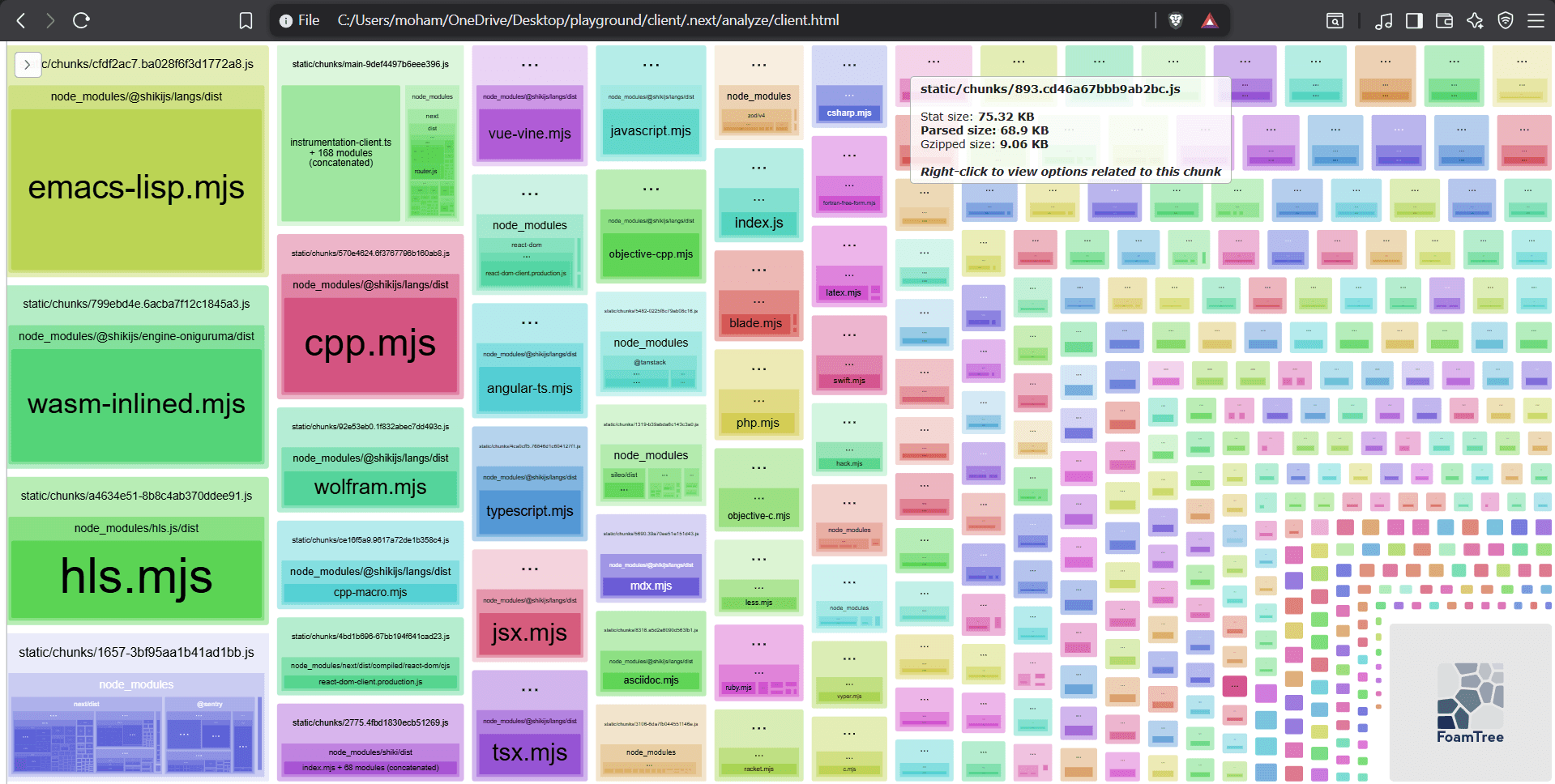
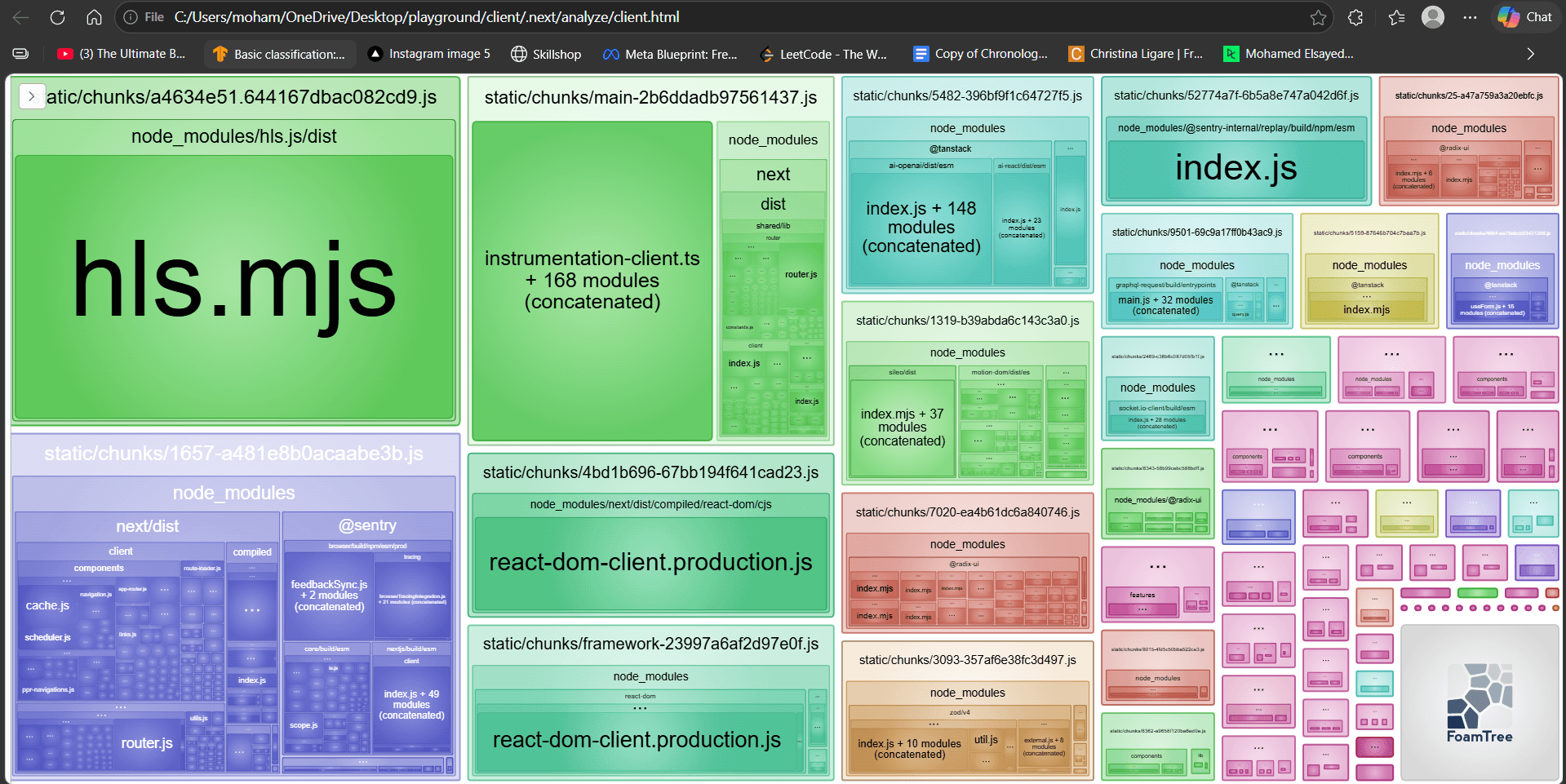
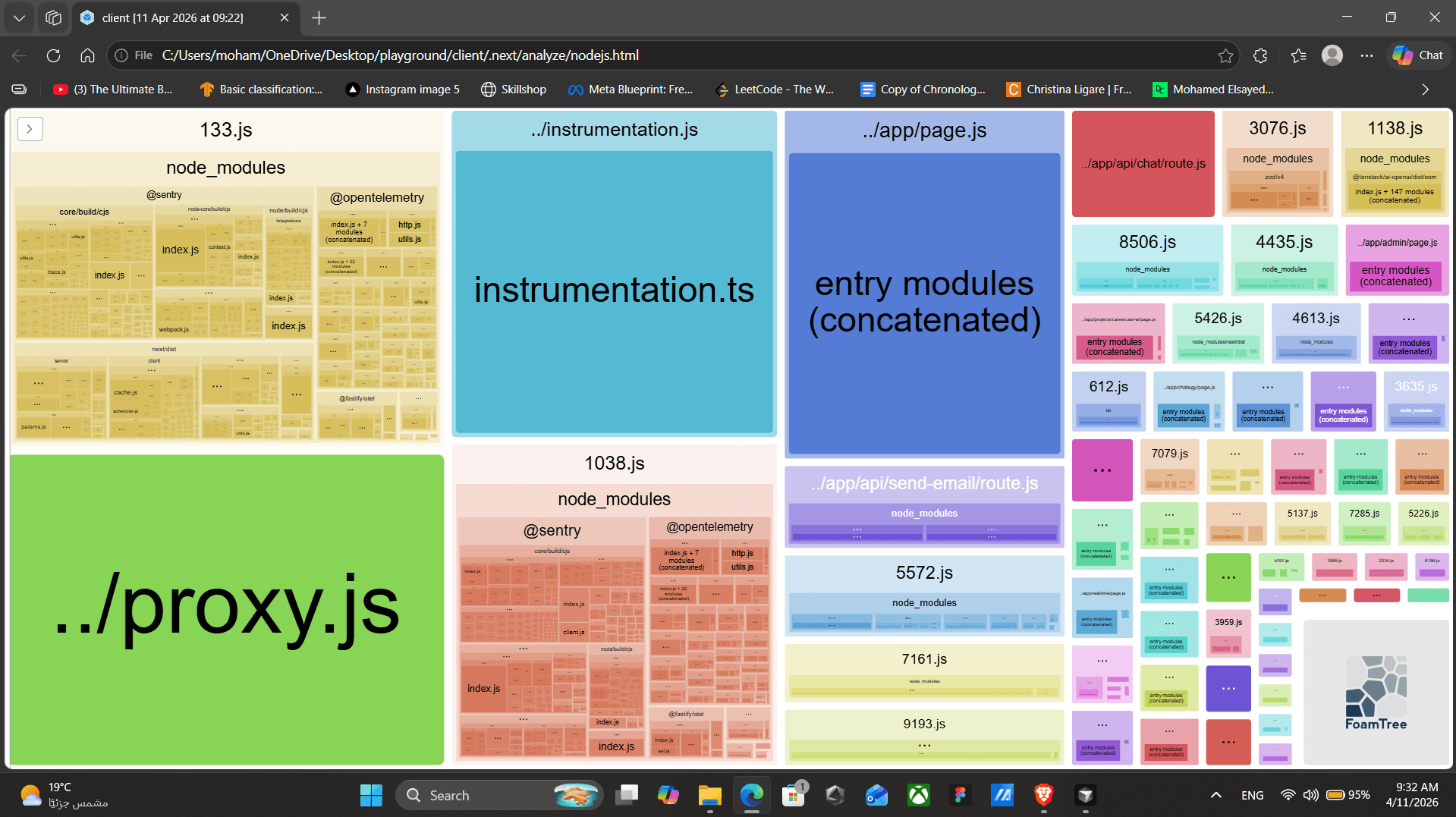
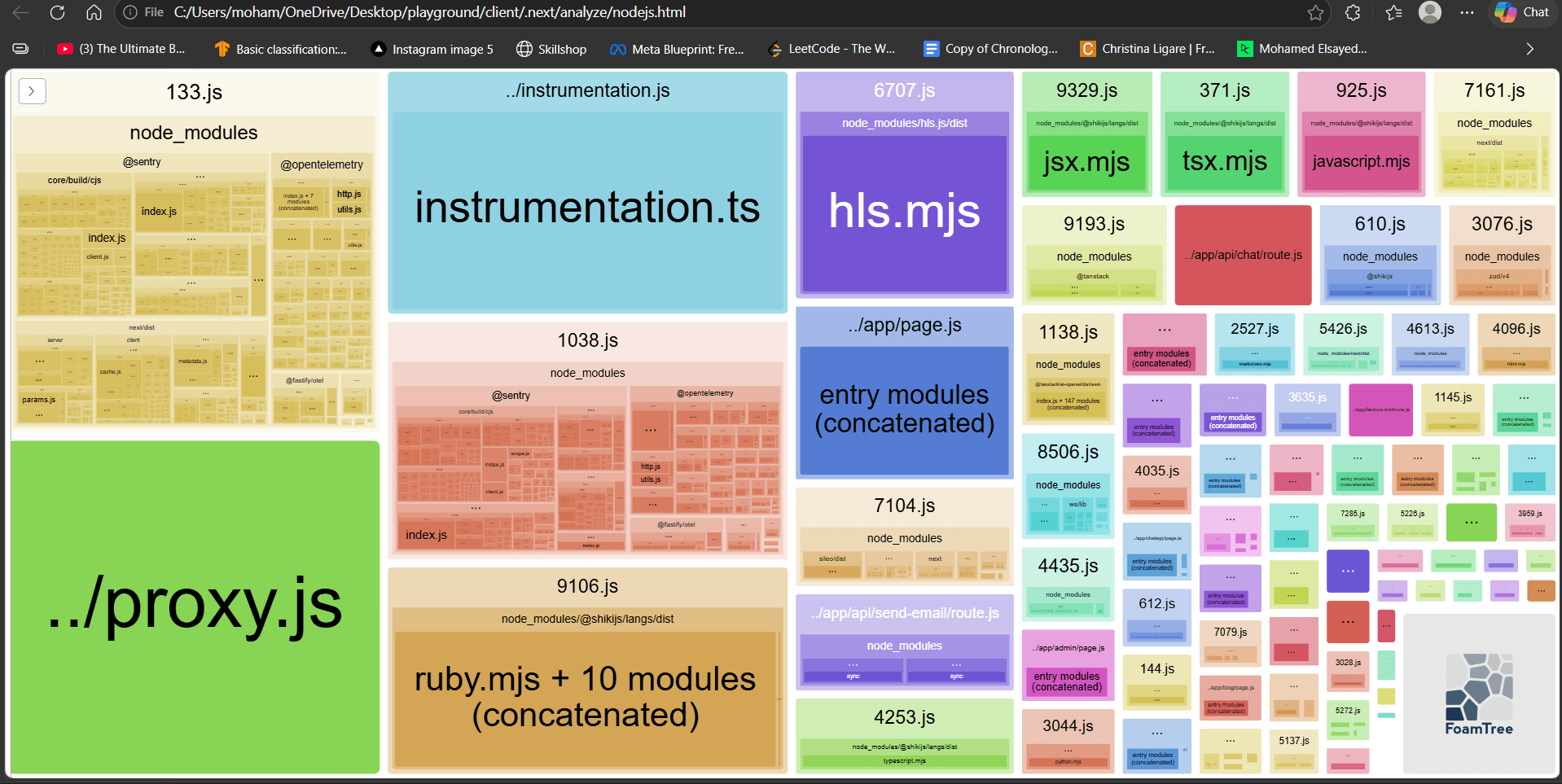
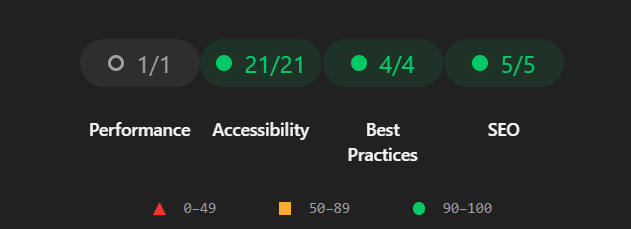
These screenshots document the optimization impact and overall quality status across the app.
Client bundle analyzer (before vs after)
Node.js bundle analyzer (before vs after)
Overall page health

Repository layout
The monorepo is intentionally split so each runtime stays focused. The root README is the source of truth for folders and capabilities.
backend/     → NestJS API (REST, GraphQL, WebSockets, Prisma, AI modules)
client/      → Next.js App Router, TanStack, chat, demos, docs
LangGraph/   → Python notebooks + agents (graphs, tools, RAG)
playground-fastapi/ → (inngest, auth, checkout, pdf-parser, llm-extraction)
AI section approach
The AI card in client/features/live-stream.tsx links to three focused routes so each capability can be tested independently.
Admin
Database-focused tools to fetch, search, update, and delete users from the app with controlled server-side actions.
Realtime Voice Chat
Realtime conversation flow for general chat, focused on streaming UX and live interactions.
ChatEGY
Tool-driven assistant workflows: deep search, code execution, and file analysis (for images and PDF inputs).
API route design (`/api/chat`)
In client/app/api/chat/route.ts, I use @tanstack/ai with an OpenAI adapter and stream the response as Server-Sent Events. The route is force-dynamic, validates environment configuration early, and exposes explicit tools (get user data, update, delete, search, totals) so model output can trigger concrete server actions safely.
Source and app
Explore the code or jump back into the running client.
Code source (GitHub)
Repository: playground
Open repository →
Live app
Return to the main Next.js client
Open home →
Tools and libraries (high level)
Deployment and containerization
The project is containerized with Docker, and images are published to Docker Hub.
Docker Hub: mosayed2002